


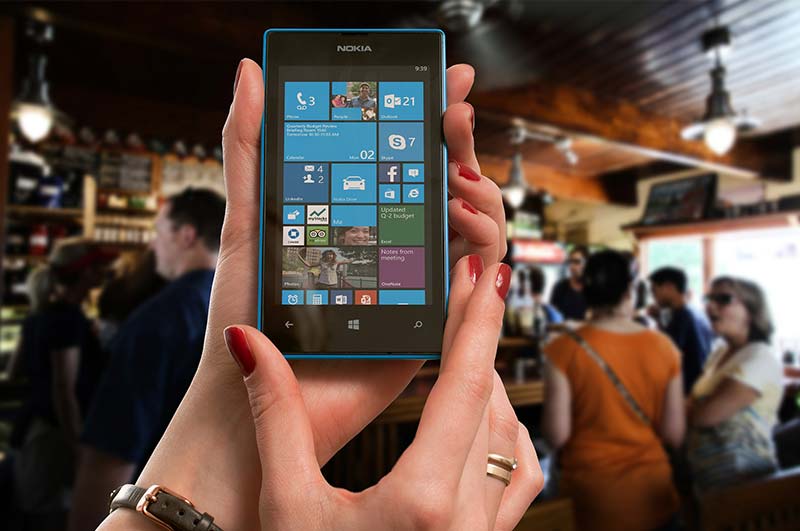
Who Still Needs a Tjarara? Improve your battery life, here’s how
From the dawn of all phones, back in the days when we used to use that Motorola with an extensible antenna, then came the days when Nokia 3310 was the boss, from there came the Motorolas and their affordability made them fill the whole location. Before I show you what you can do with your new gadgets, let me take you down memory lane when the Nokia tone was the bomb, back in the days when tjarara (a phone with a polyphonic ringtone without a colour screen) was trending, the only thing we never had to worry about was our battery life. You would take 2-3 days with your phone without the need for a charger, unless you were still in high school like some of us and used your phone for games.
Whether your phone had a colour screen or not, whether you used Motorola C113 (leihlo la poho), a battery was something that one had no worry on. But now that we are in the age of android and java phones, currently java phones are getting out of the market here in South Africa, in places like UK, the java phones are now almost completely out of market so people have found ways on how to increase the life of their mobile batteries, on this article I am going to show you how to calibrate your phone, so that you don’t end up without a girlfriend due to a battery that dies when you are on your way to her place then have to detour because of your friends, ending up with a court case on the phone with a super angry girlfriend claiming that you were with your side dish.
Calibrating simply means optimising the effectiveness of your mobile battery, your android mobile has a built-in indicator that measures the level of your mobile battery. Sometimes this built-in indicator is corrupted and this problem slows down your mobile and you face battery drain problems. In technical terms, what battery calibration does is to simply reset your battery statistics and generate a fresh battery statistics file to clean out all the fake information and get the Android system to start displaying the correct data, which is going to improve your battery life.
Most android phones experience rapid battery draining which makes it hard when a person doesn’t have a power bank or a back-up plan, which is mostly a tjarara phone in hand in case your android phone fails you.
Ok, enough about that, now this is how you improve your battery life
Method 1:
Get the Battery Calibration app
The Battery Calibration app formats the batterystats.bin file located in your System storage. This app removes the old values and improves your battery life. So this is the most easiest way, just go to your play store and install this app, in no time, you will be having a long life battery.
1. Go to play store and download the Battery Calibration app
2. Launch Battery Calibration app in your Phone.
3. Tap the calibrate button. Grant the application root access.
4. Now Reboot/Restart your android phone and use it normally until it reaches zero percent (0%).
5. Charge your phone again until 100%.
6. You should have a correct reading from the Android phone by now.
Method 2:
I don’t recommend this method for amateurs because calibrating you phone battery without rooting is huge a risk. But if you are facing serious battery problems on your phone, you can take this risk. Be Advised that there is absolutely no guarantee that this method is going to work on your phone or not.
1. Let your phone discharge until it goes off due to low battery.
2. Charge your battery until it reads 100%. Do not turn on your device while charging!
3. Unplug your charger and turn your phone on.
4. Leave it lying for 30 minutes then charge it again for an hour. (Don’t use your device while it is plugged in.)
5. Unplug your device and use normally until the battery is completely drained again.Then charge it to 100% again.
I was only messing with you the latter step doesn’t need you to be a pro. Please hit us in the comment section to let us know on how helpful was the tutorial, we still have a long way to go, with many helpful methods in all the technological equipment’s and please send us what you would like me to discuss with you on the next article at, info@kasilevesa.co.za